
Security guard service
On-Site Camera Monitoring by Security Guards
A licensed officer at your own monitor wall, watching live, with a radio to a rover and a phone to police, so the cameras produce a response.
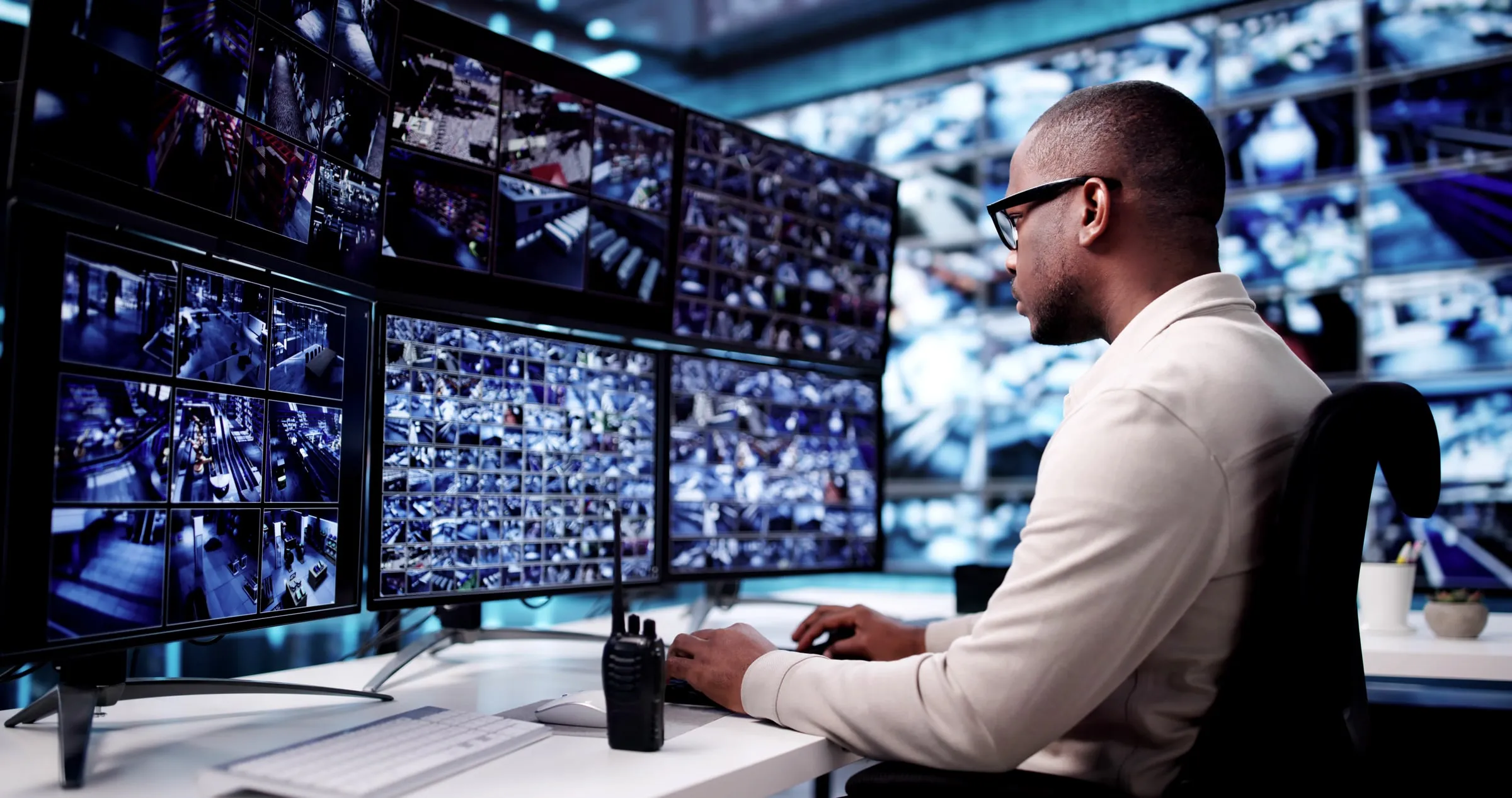
On-site camera monitoring by security guards is a post where a licensed officer sits at the client’s own monitor station, watches the live feeds on a written rotation, and acts on what appears: a radio call to a rover, a walk to the spot, a call to police, an entry in the report. The cameras, the recorder and the footage belong to the client; Price Protection supplies the officer, the rotation and the response. It is one of the components we build into a post where a property’s camera system is doing less than it could.
Watching live is a different job from recording
A recorder keeps evidence. It does not stop the catalytic converter coming off in the garage, the propped stairwell door, the group gathering at the pool at midnight. An officer watching the feed does, by getting someone there or by calling it in while it is happening. The recording still matters afterward, and the officer’s report tells the manager which camera and which minute to pull. The article on camera monitoring by guards: live response vs recorded footage sets the two side by side.
How a monitor shift runs
The shift starts with a camera check: every feed on the wall, recording, with the right time stamp. Dead or frozen feeds are logged before anything else. The officer then follows the rotation in the post orders, which puts the property’s risk hours on the main screen: the gate and the employee lot at shift change, the pool and the mail room after dark, the dock at dawn, the garage exit at closing. Anything that needs a response gets a radio call to the rover or the vehicle patrol, and a phone call to police if it is a crime in progress; the officer stays on the camera and describes what the dispatcher needs. Events, calls and camera status go in the log with times, and the daily report the next morning carries all of it. When a feed drops mid-shift, the procedure in what security guards do when cameras go down applies.
Pairing the screen with feet on the ground
A monitor post works best with someone to send. On larger properties that is a second officer walking timed rounds, or a vehicle patrol, and the two stay on the radio. On a single-officer post the officer leaves the station only for what the post orders allow, locks the room, and logs the gap. The walk-through produces a blind-spot map, and the rounds are timed to cover the corners the cameras do not: the trash enclosure behind the building, the stair landing above the top camera, the dock door with the light out. The rules on video recording by security guards in Texas apply to the client’s system, and the officer works inside them.
Properties that staff a monitor post
Apartment communities with a camera room off the leasing office and a courtesy patrol at night. Parking garages, where one screen sees five levels an officer cannot. Warehouses and distribution centers between shifts, when the dock and the yard are empty and the cameras are the only eyes. Shopping centers and big-box stores with a loss prevention office. Hotels overnight, with a lobby officer watching corridors and the pool. The property pages describe how the monitor post is combined with a desk, a gate or a patrol at each.
Setting up the post
Dispatch needs the number of cameras and monitors, the login procedure, the footage procedure and the hours. A supervisor walks the property with the camera map, marks the blind spots, writes the rotation and the response rules into the post orders, and the officer starts with a login issued in the officer’s own name. Unarmed monitor officers are typically available within hours where a property needs the screens watched tonight.
When you need it
When camera monitoring is the right call.
The cameras record and nobody watches
A garage, a parking lot, a warehouse floor, a pool deck. Footage pulled the next morning tells you what you lost. An officer watching the feeds while it happens calls the rover, calls police, and writes an incident report with the camera number and the time.
One officer has to see more than one place
A lobby desk that also has the garage and the dock on screen, a leasing office with the mail room and the pool on a second monitor. The camera wall extends the post to places the officer cannot stand, and the foot rounds are timed to what the cameras miss.
The property is quiet overnight but not empty
A high-rise, a hotel, a distribution center between shifts. The monitor officer watches the doors, the stairwells and the dock while a rover walks the rounds, and the two talk by radio all night.
Evidence has to be pulled the same night
Retail shrink, a hit-and-run in the lot, a fight at the pool. The officer bookmarks or exports the clip by the client's procedure, references it in the incident report, and hands the manager a report that already says which camera and what minute.
Starting coverage
What dispatch needs to start.
- How many cameras and monitors, where the monitor station is, and how the officer's login is issued
- Whether the officer watches only or also patrols, and who responds to what the officer sees
- Your procedure for saving and releasing footage, and who is allowed to ask for it
- Which feeds matter at which hours: the gate at shift change, the pool after dark, the dock at dawn
- The post hours and an escalation contact for a camera failure or a crime in progress
How many camera feeds can one officer watch at once?
Fewer than a monitor wall suggests. The post orders set a rotation: which feeds are always on the main screen, which are cycled, and which are checked on a timed interval. A property with more cameras than one officer can follow gets a rotation written around its risk hours, not a promise that every feed is watched every second.
Does the officer control the cameras or only watch them?
The officer pans, tilts and zooms cameras where the client allows it, and never changes recording settings, retention or user accounts. The login is issued by the client at the level the client chooses, and it is the officer's own, so the system's audit trail shows who looked at what.
Who owns the footage the officer reviews?
The client. The officer does not copy, share or post any footage. Clips are saved or exported only by the client's written procedure, usually to the client's own storage, and the incident report cites the camera and the time so the manager can find the clip without the officer's help.
What does the officer do when a camera goes dark?
Logs the camera and the time, reports it to the client's maintenance contact, and adjusts the rounds so the area is walked instead of watched until the feed is back. If several feeds drop at once the officer treats it as a possible tamper, checks the recorder room, and calls the client's contact before anything else.
Is the officer on my property or at a call center?
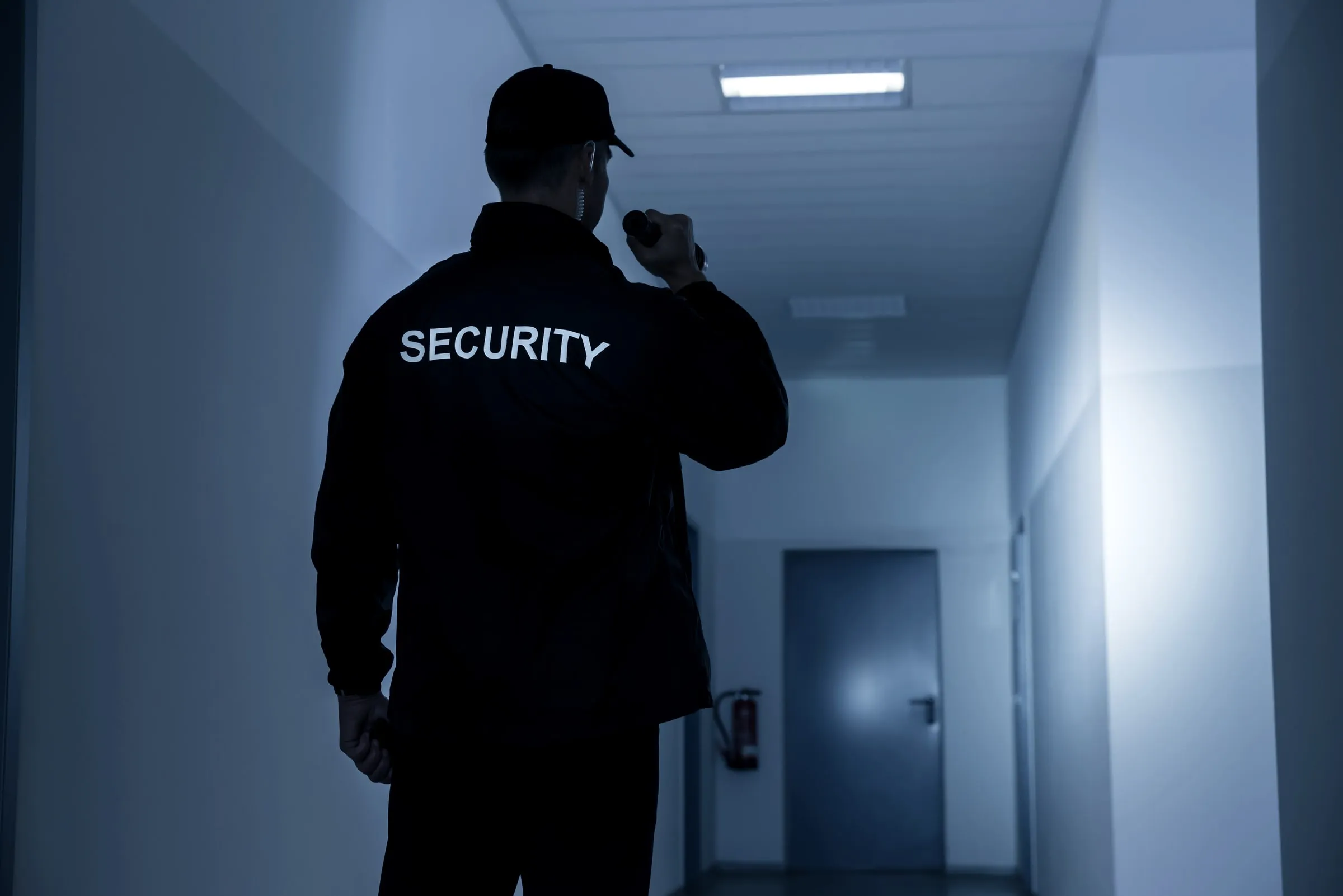
On the property, at your monitor station, with your login and a radio. That is the whole point of this post: the same officer who sees something on screen can walk to it, meet the rover there, or give police a description while the person is still in frame.
Can the monitor post be combined with a lobby desk or a gate?
Yes, and it usually is. A lobby officer with the garage and the dock on screen, or a gate officer with the fence line on a second monitor, is the common shape. The post orders say which takes priority when a visitor arrives and something is happening on screen at the same time.
Related pages
Industries we serve
Service areas
Insights
Glossary
Where we are
Camera monitoring across Greater Houston.
Every area below is staffed and supervised from our Sugar Land headquarters. Open an area to see the property types, neighborhoods and questions we hear there.
24-hour dispatch
(281) 326-9189Fort Bend County
Sugar Land and its neighbors, closest to our headquarters.
Houston
Neighborhoods and business districts inside the city.
North and west
Katy and Cypress up to The Woodlands and Conroe.
South and east
Pearland and Clear Lake across to Pasadena and Baytown.
Request a proposal
Request a proposal for camera monitoring.
Two short steps. Dispatch reviews every request and calls you back about coverage. For urgent unarmed coverage we can typically staff most sites within hours.
24-hour dispatch
(281) 326-9189